eSIM/VPN Guide: Staying Connected in China
Landing in China without Google or WhatsApp is terrifying. Learn why public Wi-Fi is a trap and the exact eSIM or VPN setup you need to stay online.
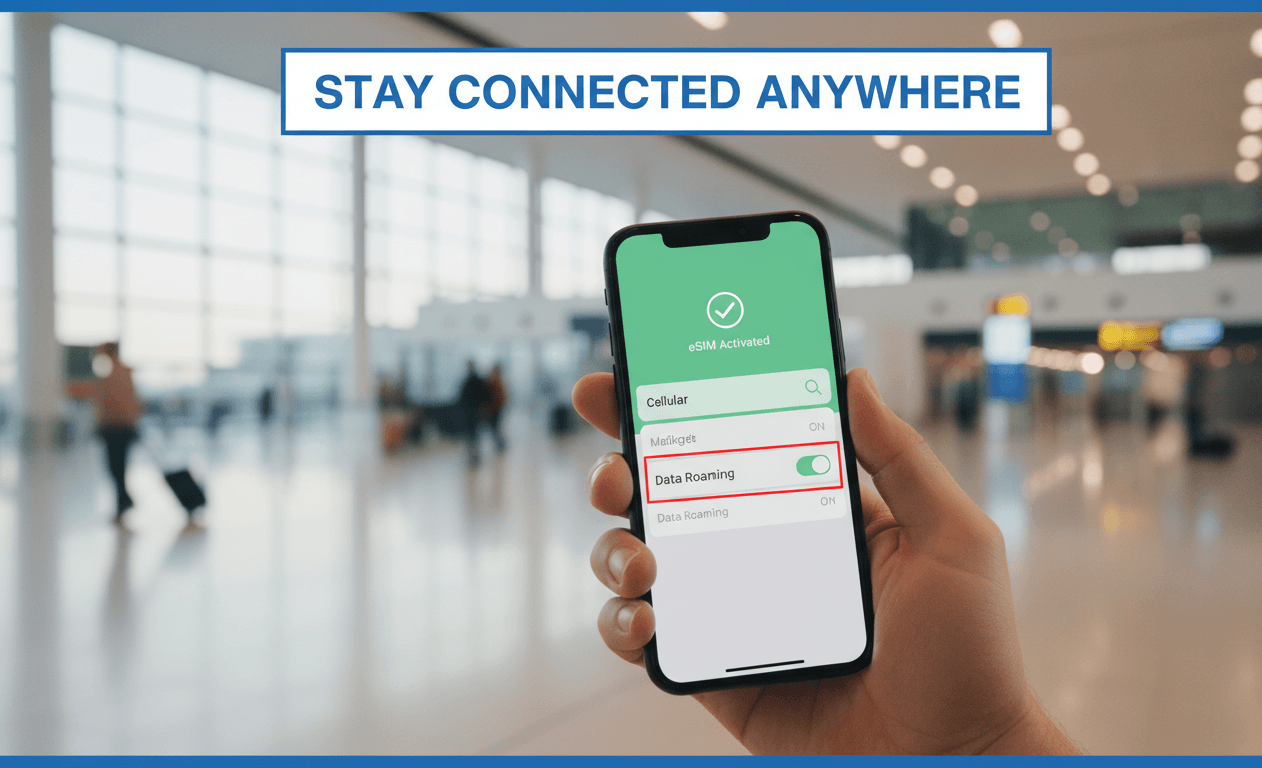
The Brutal Reality: Your Phone Might Become a Brick
Imagine this: You've just survived a 14-hour flight. You finally land, exhausted but absolutely buzzing to start your China adventure. You pull out your phone to check Google Maps for your hotel or message your family on WhatsApp to say you've arrived safely.
But... nothing loads. Your screen just spins and spins.
Let's get real for a second. If you arrive unprepared, you will be completely disconnected from the apps you use every single day. In China, services like Google (Maps, Translate, Gmail), WhatsApp, Instagram, Facebook, TikTok (the international version), X (Twitter), and YouTube simply do not work on local networks.
The "Free Public Wi-Fi" Trap
You will see "Free Wi-Fi" everywhere—in Starbucks, shopping malls, and bullet trains. Do NOT rely on this! By local regulations, connecting to public Wi-Fi requires receiving an SMS verification code to a local Chinese phone number (+86). If you don't have a local number, you cannot join the network. It's that strict.
(💡 Good News: Major international airports like Shanghai Pudong or Beijing Capital usually offer a special Wi-Fi kiosk where you can scan your passport to get a temporary Wi-Fi code. But once you leave the airport, you're on your own!)
So, how do we fix this? Don't panic, I've got you covered! 🦸♂️ To survive and stay effortlessly connected, you basically have two lifelines.
Lifeline A: The Travel eSIM (Best for Short-Term Tourists) ✨
The absolute best lifehack for travelers in 2026 is getting an International Travel eSIM.
Why it's magical:
- Instant Connection: The moment your plane touches the tarmac, your WhatsApp, Instagram, and Google Maps work instantly.
- No VPN Needed: Because an eSIM uses international roaming data, it naturally routes your traffic through servers outside of mainland China. You bypass the "Great Firewall" automatically without any extra setup.
- Pure Convenience: You don't need to visit a local store, swap physical SIM cards, or deal with passport registration.
(💰 Tip: For mobile users, we highly recommend checking out Saily eSIM (created by Nord Security) or Airalo before your trip. They are the perfect "set and forget" solutions for short-term visits!)
Check regional eSIM packages and get connected instantly:
How to set it up perfectly:
- Buy a China or "Regional Asia" plan online before you fly.
- Scan the QR code they email you to install the eSIM profile.
- Turn it on the exact moment your plane lands.
- Learn in advance: Before your trip, make sure to check the eSIM provider's official website or ask their customer service about the exact activation steps for your phone model.
Lifeline B: A Premium VPN (Essential for Hotel Wi-Fi & Work) 📱
Even if you have an eSIM, a VPN is a highly recommended backup.
Here is why: Your eSIM roaming data is great for when you are out and about, but once you return to your hotel and connect to the Free Hotel Wi-Fi, you are back on the local Chinese network. This means Google, YouTube, and Netflix will stop working again. If you need to do heavy work on your laptop or want to stream shows in your room, a VPN is the only way to stay connected to the global internet via Wi-Fi.
🚨 CRITICAL RULE: You MUST download and set up your VPN BEFORE you enter China. Once you are inside the country, the official VPN websites and app stores are often blocked, making it nearly impossible to install one.
Recommended VPN for China: NordVPN
NordVPN is widely considered one of the most reliable and fastest VPNs for bypassing the Great Firewall. It offers strong encryption, multiple device support, consistent connection speeds, and specialized obfuscated servers that are perfect for restrictive networks.
Get NordVPN before your trip to ensure seamless internet access:
Check Official Site(Note: The official websites for Airalo and NordVPN can usually be accessed directly from your home country without any issues. Please download and register before your flight!)
FAQ
Q: If an eSIM is "Data-Only", how do I call the police or an ambulance in an emergency?
A: Don't worry! According to global telecommunication standards, any mobile phone can dial emergency numbers, even without a SIM card or with a data-only eSIM. If you face an emergency in China, simply dial 110 (Police) or 120 (Ambulance). Your phone will force-connect to the nearest cell tower to complete the call.
Q: Can I just use my home country's roaming plan?
A: Yes, your home carrier's international roaming will also work exactly like an eSIM (no restrictions). However, carrier roaming is usually incredibly expensive ($10-$15 per day). An eSIM is much more budget-friendly.
Q: Can my foreign phone number receive SMS verification codes in China?
A: Yes, BUT only if you turn on "International Roaming" with your home carrier before you leave. If roaming is active, you can receive SMS texts (like login codes for Chinese apps) for free or a very low cost.
However, there is a massive catch: Even if you can receive SMS, many local Chinese systems (like public Wi-Fi at train stations or local restaurant ordering systems) are simply not programmed to send texts to international numbers. They only accept a "+86" prefix. So while your foreign number works for registering major apps like Alipay or WeChat, it will fail you when you try to order a coffee or log into airport Wi-Fi. This is why getting a local +86 SIM card is still highly recommended for longer trips.
© Copyright Notice
This article is originally published by China Fixer. All rights reserved. Unauthorized reproduction, scraping, or commercial use of this content is strictly prohibited.
If you wish to share this guide, please use the original link: https://cnfixer.xyz/zh/guides/staying-connected-in-china
有任何问题吗?
如有不懂的,请在评论区提问,我会立即回复!
Authentic guide by a local who has lived & traveled extensively across China.
Last updated: 2026